The C# Coding Style Guide
"Local Developer's Code 'Works Fine'; Colleagues Disagree on Definition of 'Fine'"
Dear Marilyn: My code works perfectly, but my team lead says it's "unreadable." I say if it compiles, it's readable enough. Who's right?
— Frustrated in Fresno
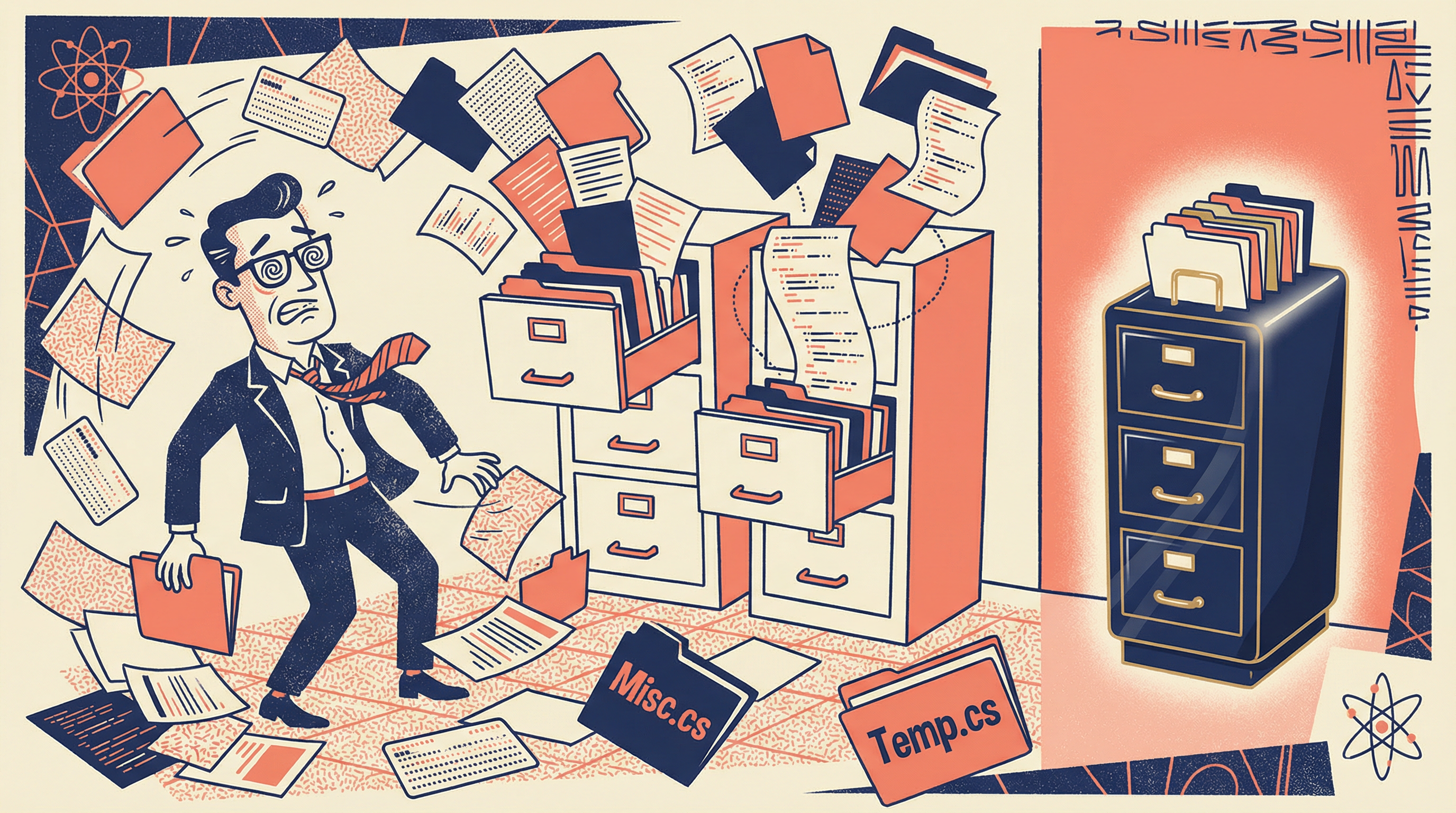
Dear Frustrated: Let me put this as gently as possible: you are spectacularly wrong. The fact that code compiles tells us only that a computer can understand it—and computers, bless their silicon hearts, will happily execute the most horrifying spaghetti code without complaint.
The question isn't whether your code works. The question is whether a human being—perhaps your future self at 3 AM during a production emergency—can understand it quickly enough to fix it before the company loses money.
What follows is a guide to writing code that humans can actually read. Consider it an investment in your future sanity.
File Organization
"Developer Spends 45 Minutes Searching for Method; It Was in a File Named 'Stuff.cs'"
Dear Marilyn: Does it really matter how I organize my files? The compiler doesn't care.
— Chaotic in Chicago
Dear Chaotic: The compiler also doesn't care if you name all your variables x1, x2, and x3. That doesn't make it a good idea. File organization is about human navigation, not machine parsing.
The Sacred Order of File Contents
Every C# file should follow this structure, in this exact order:
- 1. Using directives (external namespaces)
- 2. Namespace declaration
- 3. Class/Interface declaration
- 3.1 Constants and static fields
- 3.2 Private fields
- 3.3 Constructors
- 3.4 Properties
- 3.5 Public methods
- 3.6 Private methods
Why this order? Because when someone opens your file, they want to understand the "what" (fields, properties) before the "how" (methods). It's like reading a recipe: ingredients first, then instructions.
The One Class, One File Rule
Each source file should contain exactly one class, and the filename should match the class name exactly.
Correct
CustomerService.csContains: class CustomerService
Wrong
Utilities.csContains: 47 unrelated classes
Quick Check
You have a class called 'OrderProcessor'. What should the file be named?
Indentation
"Tabs vs. Spaces Debate Ends Marriage; Divorce Papers Cite 'Irreconcilable Differences'"
Dear Marilyn: Tabs or spaces? I need to know before I can continue living my life.
— Existentially Confused in Seattle
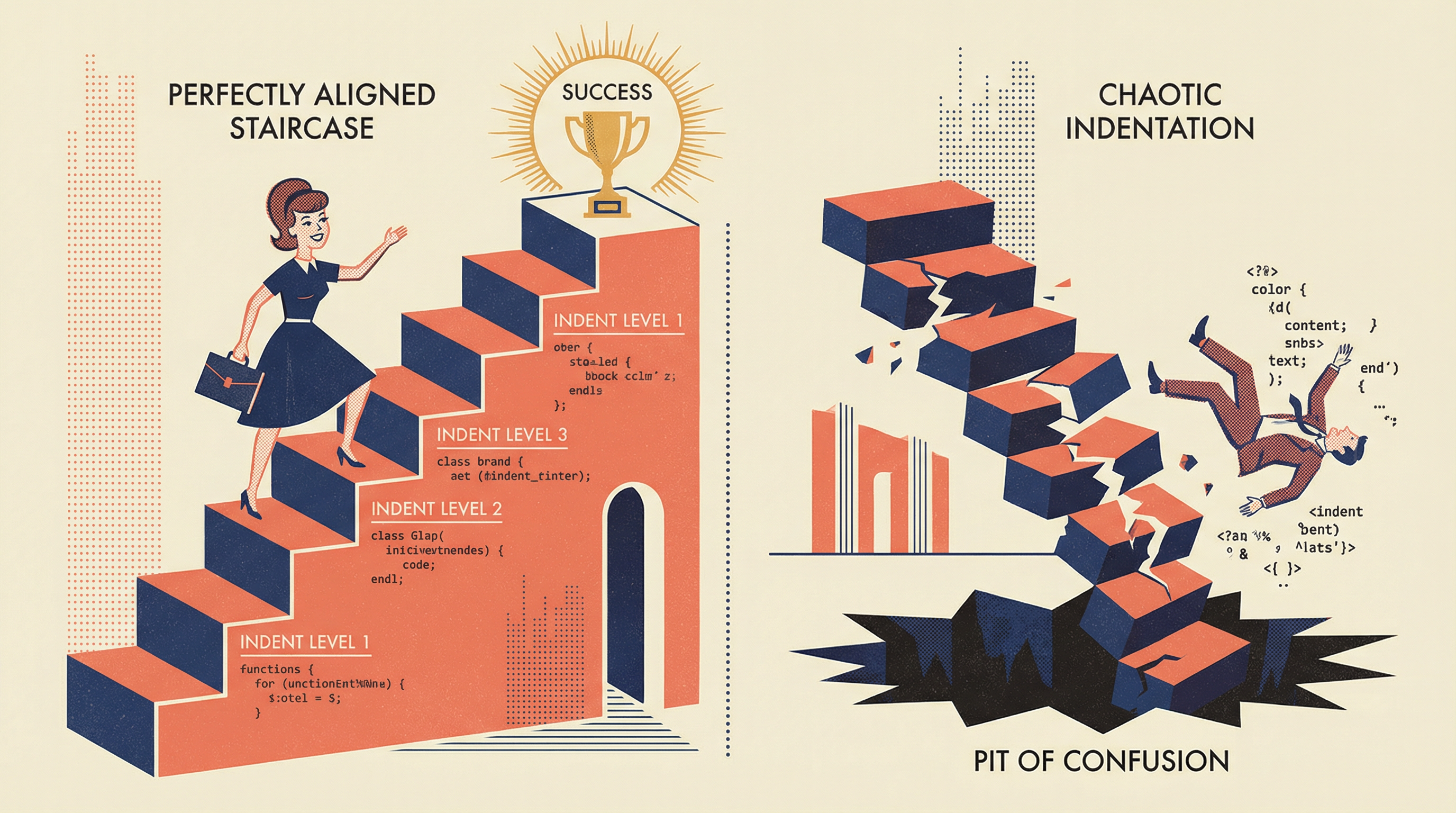
Dear Existentially: The answer is: tabs. But more importantly, the answer is: consistency. A codebase that mixes tabs and spaces is like a book that randomly switches between English and Klingon mid-sentence.
The Rules of Indentation
Rule 1: Use tabs, not spaces
Tabs allow each developer to set their preferred visual width. Spaces force everyone to see exactly what you see, whether they like it or not.
Rule 2: One level of indentation per block
Every time you open a brace, indent. Every time you close a brace, un-indent. This is not negotiable.
Rule 3: Align continuation lines
When a statement spans multiple lines, align the continuation with the opening element.
Visual Examples
Correct Indentation
public void ProcessOrder(Order order)
{
    if (order.IsValid)
    {
        foreach (var item in order.Items)
        {
            ProcessItem(item);
        }
    }
}
Incorrect Indentation
public void ProcessOrder(Order order)
{
if (order.IsValid)
{
foreach (var item in order.Items)
{
ProcessItem(item);
}
}
}
Without indentation, the code structure is invisible. Good luck debugging this at 2 AM.
Quick Check
Why is consistent indentation important in code?
Naming Conventions
"Variable Named 'x' Causes Three-Day Debugging Session; Developer Claims 'It Made Sense at the Time'"

Dear Marilyn: I named my variable 'temp' because it's temporary. Now I have 47 variables named 'temp' and I can't tell them apart. Help.
— Temporarily Confused in Tampa
Dear Temporarily: You have discovered, through painful experience, the First Law of Naming: A name should describe what something IS, not what it ISN'T. "Temporary" describes what it isn't (permanent). What IS it? A customer? An order? A database connection? Name it that.
The C# Naming Conventions
| Element | Convention | Example |
|---|---|---|
| Classes | PascalCase | CustomerService |
| Interfaces | IPascalCase | IOrderRepository |
| Methods | PascalCase | CalculateTotal() |
| Properties | PascalCase | FirstName |
| Local Variables | camelCase | orderTotal |
| Private Fields | _camelCase | _customerRepository |
| Constants | PascalCase | MaxRetryCount |
| Parameters | camelCase | customerId |
Names to Avoid
Never Use:
temp,tmp,datax,y,z(except in math)foo,bar,bazthing,stuff,itemmyVariable,theObject
Instead Use:
pendingOrder,cachedResultxCoordinate,yPositiontestCustomer,mockRepositoryorderLineItem,configurationSettingcurrentUser,selectedProduct
Quick Check
What is the correct naming convention for a private field in C#?
Statements and Braces
"Missing Brace Causes Production Outage; Developer Insists 'It Looked Fine to Me'"
The humble curly brace is the unsung hero of code structure. Use it wisely, use it consistently, and it will never betray you. Omit it "to save space," and it will destroy your weekend.
The Brace Placement Rules
Rule: Opening brace on its own line
if (condition)
{
    DoSomething();
}
This is the C# standard. The brace aligns with the statement it belongs to.
Never: Omit braces for single statements
// DANGEROUS - Don't do this!
if (condition)
    DoSomething();
    DoSomethingElse(); // This ALWAYS runs!
This is how bugs are born. The second line looks indented, but it's not part of the if statement. Always use braces.
Statement Guidelines
- One statement per line. Never chain multiple statements on one line.
- One declaration per line. Don't declare multiple variables together.
- Blank line between logical sections. Group related code visually.
Quick Check
Why should you always use braces even for single-line if statements?
White Space
"Developer Removes All Whitespace to 'Save Bytes'; Code Review Takes 6 Hours"
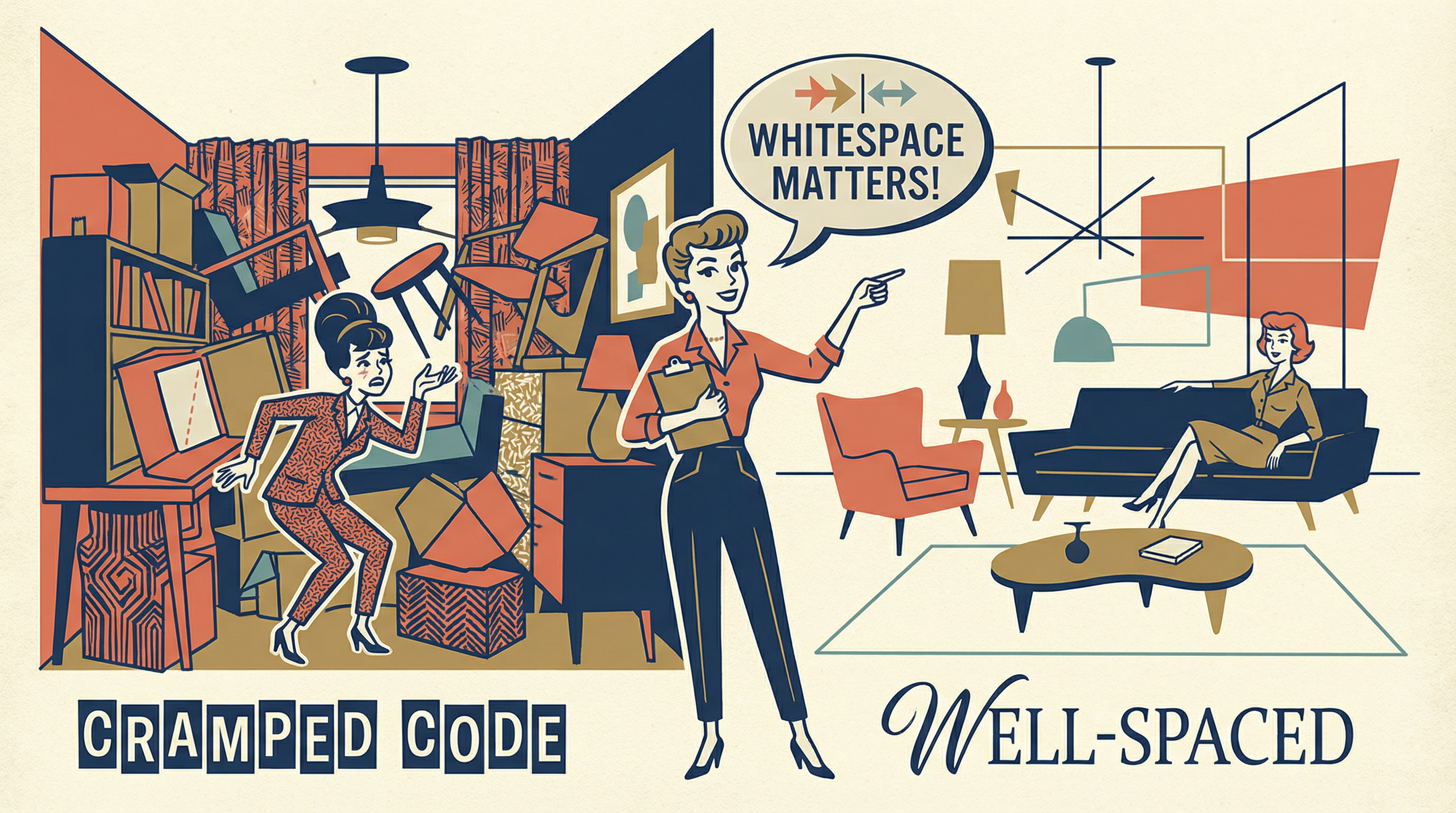
White space is not wasted space. It's breathing room for your code. Just as paragraphs make text readable, strategic blank lines and spaces make code scannable.
White Space Rules
Spaces around operators
x = y + z;x=y+z;Space after commas
Method(a, b, c)Method(a,b,c)Blank lines between methods
Separate methods with exactly one blank line. No more, no less.
No trailing whitespace
Lines should not end with spaces or tabs. Configure your editor to remove them.
Quick Check
What is the purpose of blank lines between methods in a class?
Course Summary
- File Organization: One class per file, named to match the class.
- Indentation: Use tabs consistently, one level per block.
- Naming: PascalCase for public, camelCase for private, descriptive always.
- Braces: Always use them, even for single statements.
- White Space: Use it strategically to improve readability.
Download Cheat Sheet
File organization, naming conventions, indentation rules, and statement guidelines