Technical Writing Made Easier
"Local Engineer Writes Documentation; Three Colleagues Hospitalized After Attempting to Read It"
Dear Marilyn: I'm a brilliant programmer, but every time I write documentation, my colleagues look at me like I've written it in ancient Sumerian. Is technical writing really that different from regular writing?
— Bewildered in Boston
Dear Bewildered: Yes. Technical writing is to regular writing what surgery is to cooking—both involve cutting things, but the precision requirements are rather different. In technical writing, clarity isn't a nice-to-have; it's the entire point.
The good news is that technical writing is a learnable skill. The bad news is that most programmers never learn it, which is why we have documentation that reads like it was translated from Klingon by a committee of lawyers.
What follows is a guide to writing technical documents that humans can actually understand. Your colleagues—and your future self—will thank you.
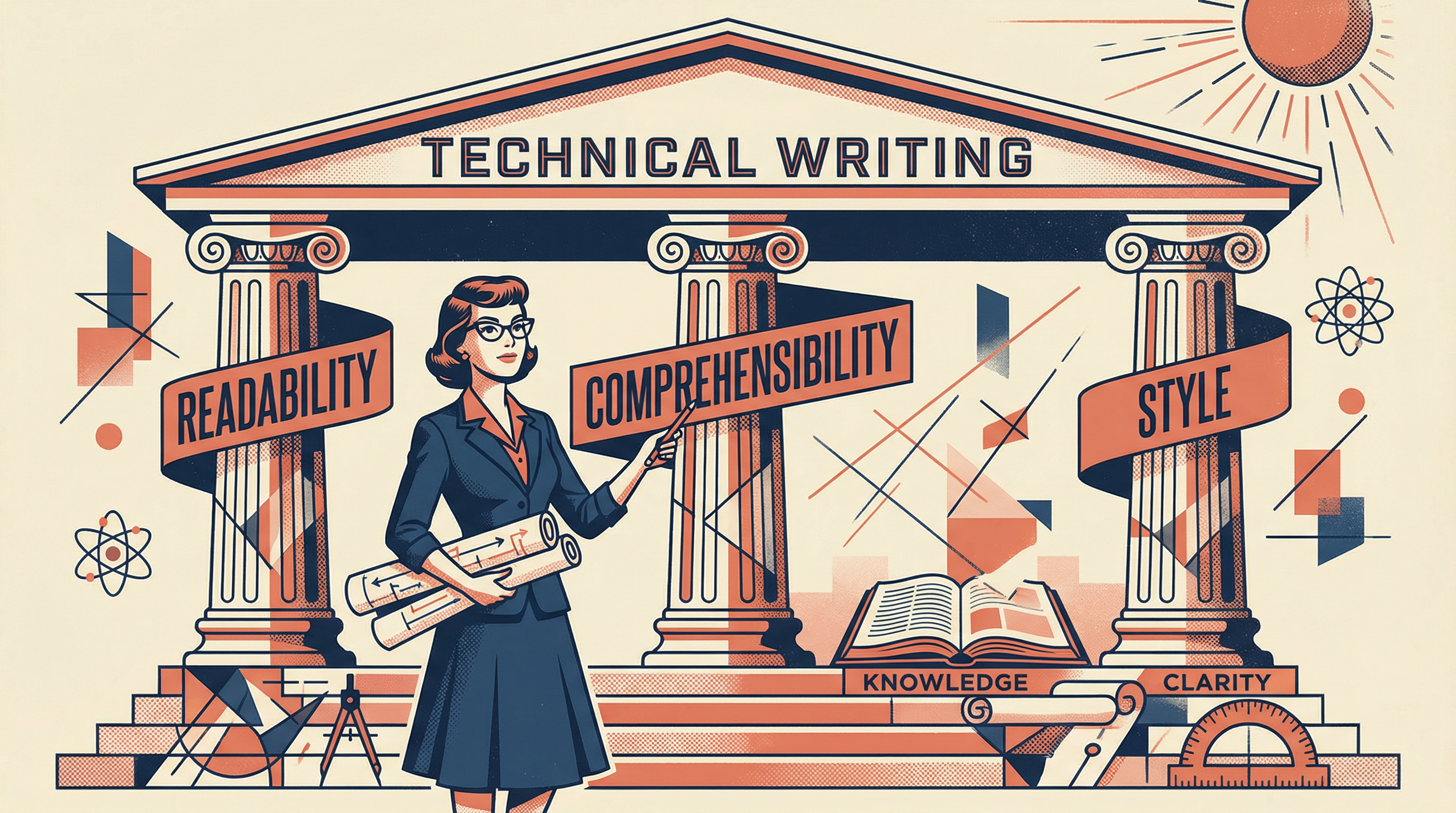
The Three Pillars of Technical Writing
"Study Reveals Most Technical Documents Fail at Least Two of Three Basic Requirements"
Understanding written text depends on three distinct components. Master these, and your documentation will actually be useful. Ignore them, and you might as well not write anything at all.
1. Legibility
Can the reader physically see and decode the characters? This is about fonts, layout, and typography—usually handled by designers and typesetters, not writers.
(We won't cover this—it's not your job. But don't use Comic Sans.)
2. Readability
Can the reader process the text smoothly? This is about sentence structure, word choice, and flow. If a text is unreadable, the reader will assume the product is equally poor quality.
Think of it as "tokenizing" your text—making it easy to parse.
3. Comprehensibility
Can the reader actually understand the meaning? This is about logical structure, building on prior knowledge, and clear explanations. This is where most technical writing fails.
Think of it as "parsing" your text—extracting meaning from tokens.
The Brutal Truth
If your technical text is unreadable, readers will assume your product is also of inferior quality. Code is a language, just as documentation is. Not writing well in documentation implies faults in coding style. Fair or not, this is how humans judge quality.
Quick Check
Which pillar of technical writing is most often neglected by programmers?
Readability: Making Text Flow
"Engineer's 200-Word Sentence Sets New Record; Readers Still Lost at Word 47"
Dear Marilyn: My sentences are grammatically correct. Why do people still complain they're hard to read?
— Grammatically Correct in Georgia
Dear Grammatically: Grammar is necessary but not sufficient. A grammatically correct sentence can still be a nightmare to read. The key requirements for readability are:
The Five Rules of Readable Sentences
1. Sentences must be well-formed syntactically
"This sentence no verb."
"This sentence has a verb."
Read your writing out loud. If it sounds wrong, it probably is.
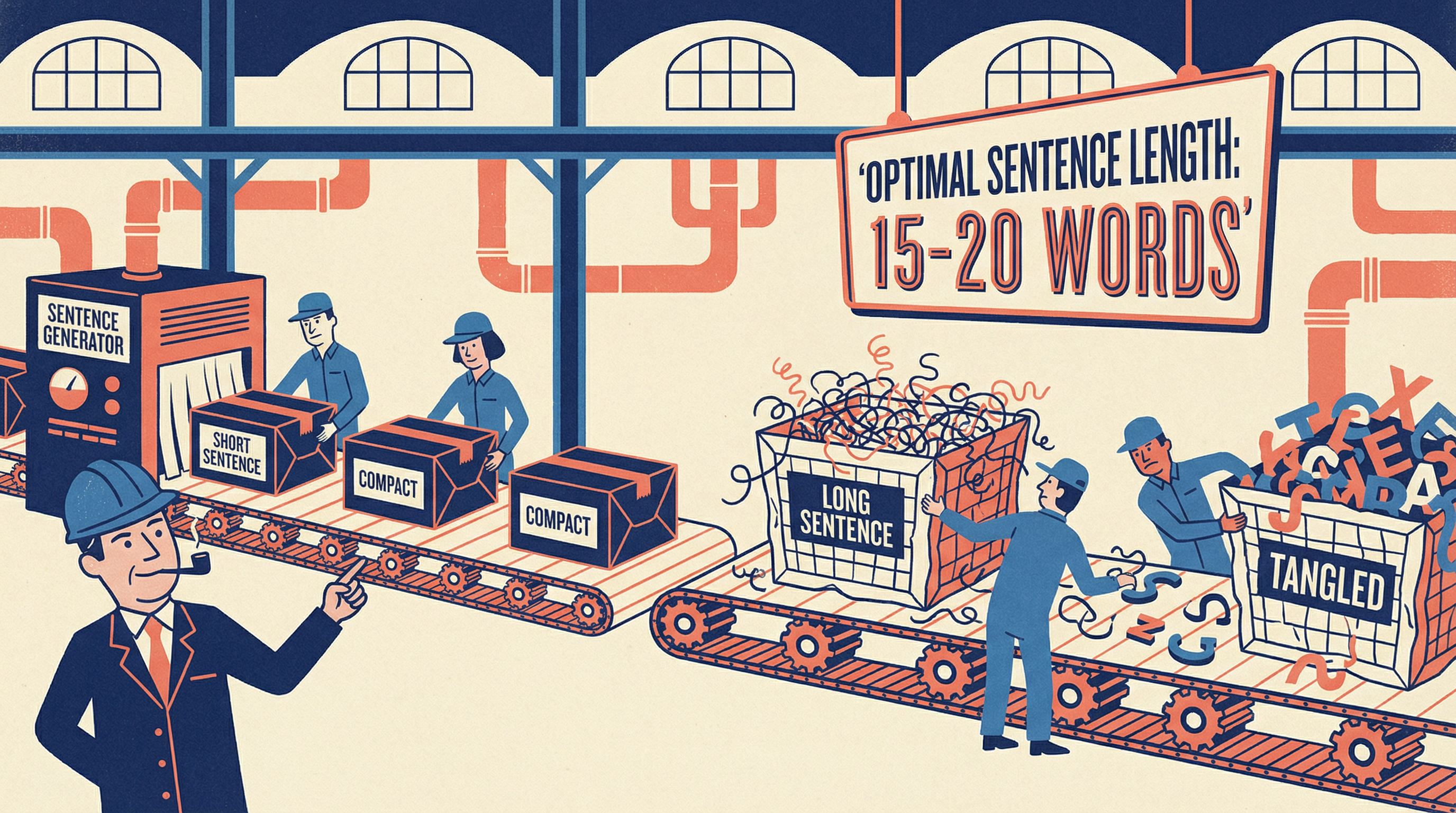
2. Sentences must not exceed a certain length
"It is given as a rule, which however is not the only such rule you may encounter, that sentences should not exceed a desirable length of ten to fifteen words, never should fall below seven words or extend beyond the ultimate limit of tolerable length reached at twenty words, even though longer sentences may be found in high literature."
The Rule: Aim for 10-15 words. Never exceed 20. If you need more, break it into multiple sentences.
3. Sentences should not be too short either
"Sentences may be short. Then they are easy to read. And understand, too. But they look cheap. And breathless."
The Rule: Vary your sentence length. Mix short and medium sentences for rhythm. Human language is not a RISC instruction set.
4. Recursion must be kept to a minimum
"It is not easy to understand it when it is unclear what is referenced by 'it' – it by now should be clear what it is supposed to mean, isn't it?"
The Rule: Replace pronouns with actual names when ambiguous. A reader's mental "stack" is shallow—don't overflow it.
5. The choice of words should vary
"Using the same words all over to describe the same things again and again is not pleasant when we use the same words to describe the same thing."
The Rule: Use a thesaurus. Never use the same opening words in two consecutive sentences. Repetitive writing kills reader interest.
Quick Check
What is the recommended maximum length for a sentence in technical writing?
Comprehensibility: Building Understanding
"Documentation Assumes Reader Already Knows Everything; Reader Does Not"
A comprehensible technical document follows a logical structure. Every topic builds on preceding topics. If a new concept is needed, it must be introduced beforeusing it. This applies at every level—from the document structure down to individual sentences.
The Four Steps of Explanation
Every concept you explain should follow this pattern:
Definition
What is the thing? Give a clear, concise definition. Don't assume the reader knows what you're talking about.
Example: "A variable is a named storage location in memory."
Assumption/Theorem
What can we do with it? What are its properties? State the key facts or capabilities.
Example: "Variables can store different types of data and can be modified during program execution."
Explanation/Proof
Show how it works. Provide examples, demonstrate the concept in action, prove your assertions.
Example: "Here's how to declare and use a variable: int count = 0; count = count + 1;"
Conclusion
Summarize and reinforce. The human mind needs repetition to commit to memory. Unlike computers, we need to be told several times.
Example: "In summary, variables are named storage locations that hold data you can read and modify throughout your program."
The Golden Rule
"Repeat the central message of what you write several times. The human mind is not at ease when confronted with a 'fire and forget' type of message."
This isn't redundancy—it's pedagogy. Tell them what you're going to tell them, tell them, then tell them what you told them.
Quick Check
What is the correct order for explaining a new concept?
Matters of Style
"Technical Writer Uses 'Utilize' Instead of 'Use'; Readers Lose Will to Live"
Even technical prose doesn't have to be a blunt axe when it could be an instrument of precision. Here are the style rules that separate professional documentation from amateur hour.
The Style Commandments
1Avoid Big Words
Never use a complex word when a simple one will do. "Utilize" is not fancier than "use"—it's just longer.
2Don't Use Contractions
In technical writing, write "do not" instead of "don't", "it is" instead of "it's". Contractions are informal and can cause confusion with possessives.
3Use "Can" Carefully
"Can" means ability. "May" means permission. "Could" implies uncertainty. Be precise about what you mean.
✓ "The function can process 1000 records per second." (ability)
✓ "Users may override the default settings." (permission)
4Avoid the First Person
Technical writing should be objective. Avoid "I think" or "we believe." State facts, not opinions. The reader doesn't care what you think—they want to know what IS.
5Use "If" Correctly
"If" is for conditions. "Whether" is for alternatives. Don't confuse them.
✓ "If the file exists, open it." (condition)
✓ "Check whether the file exists." (alternative)
❌ "Check if the file exists." (incorrect)
6Be Consistent
Pick a style and stick with it. If you call it a "dialog box" once, don't call it a "dialogue" or "popup" later. Consistency reduces cognitive load.
More Style Commandments
"Writer Confuses 'Its' and 'It's' in Production Documentation; Entire Engineering Team Questions Reality"
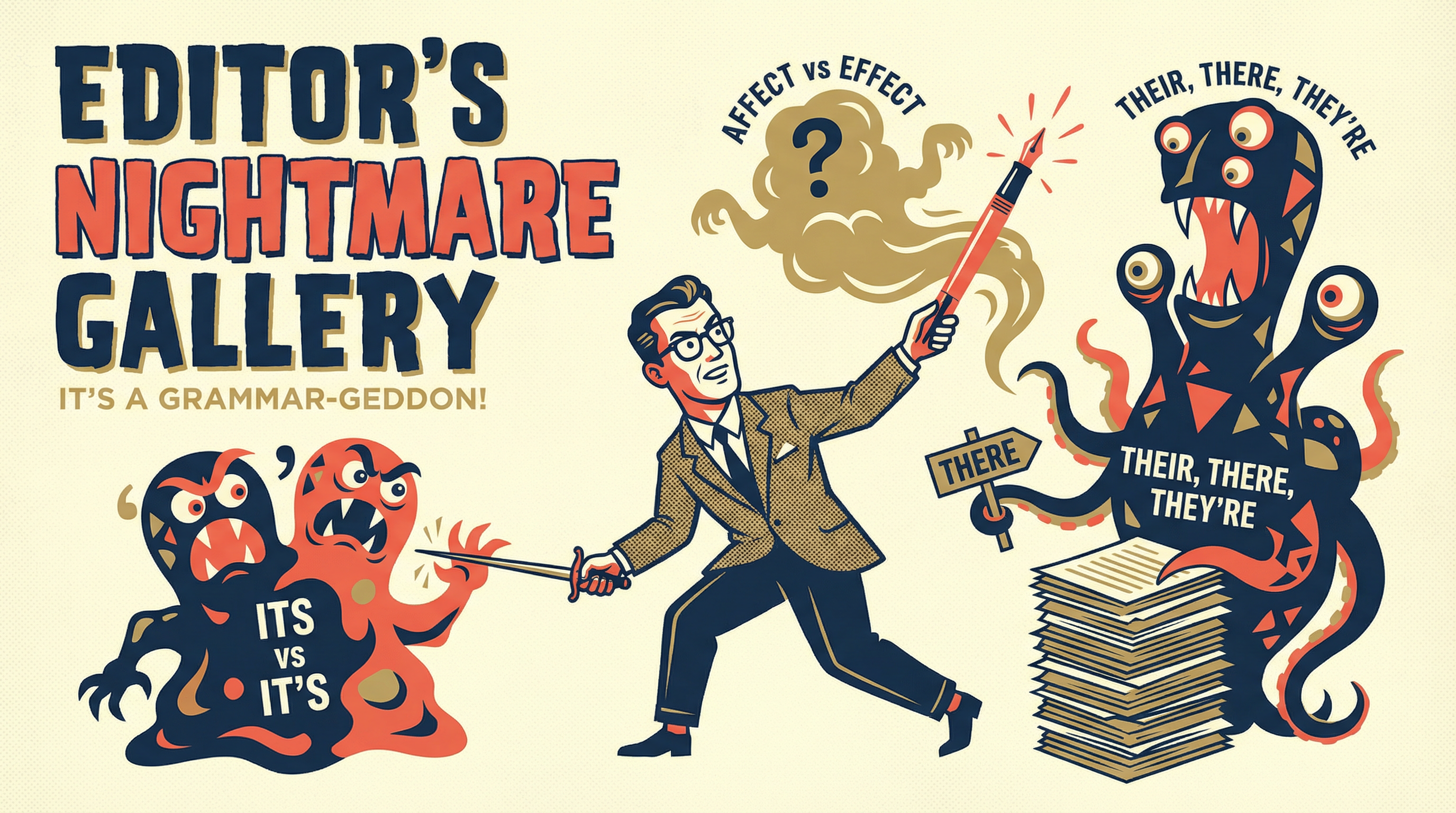
7The "It's" vs "Its" Conundrum
This trips up even native speakers. "It's" is a contraction of "it is.""Its" is the possessive form. When in doubt, expand it: if "it is" works, use "it's." If not, use "its."
✓ "The function returns its value." (possessive)
✓ "It is important to validate input." (write it out!)
❌ "It's return value is null." (wrong!)
Pro tip: In technical writing, just write "it is" instead of "it's" and the problem vanishes.
8The "A" vs "An" Rule (It's Not What You Think)
The rule is not "a before consonants, an before vowels." The rule is about sound, not spelling. Use "an" before vowel sounds.
✓ "An HTTP request" (H is silent, sounds like "aitch")
✓ "A URL" (sounds like "yoo-are-ell")
✓ "An SQL query" (sounds like "ess-cue-ell")
✓ "A user" (sounds like "yoo-zer")
❌ "A HTTP request" (wrong sound!)
9Beware of Nativisms
If you are not a native English speaker, be suspicious of translations that seem "too obvious." Many words that look similar across languages have different meanings. These are called "false friends."
❌ "Concurrence" (sounds like German "Konkurrenz") → ✓ "Competition"
❌ "Actual" (sounds like German "aktuell") → ✓ "Current"
❌ "Eventually" (sounds like German "eventuell") → ✓ "Possibly"
When in doubt, consult a dictionary. If you can translate a sentence word-by-word back to your native language, you probably made a mistake.
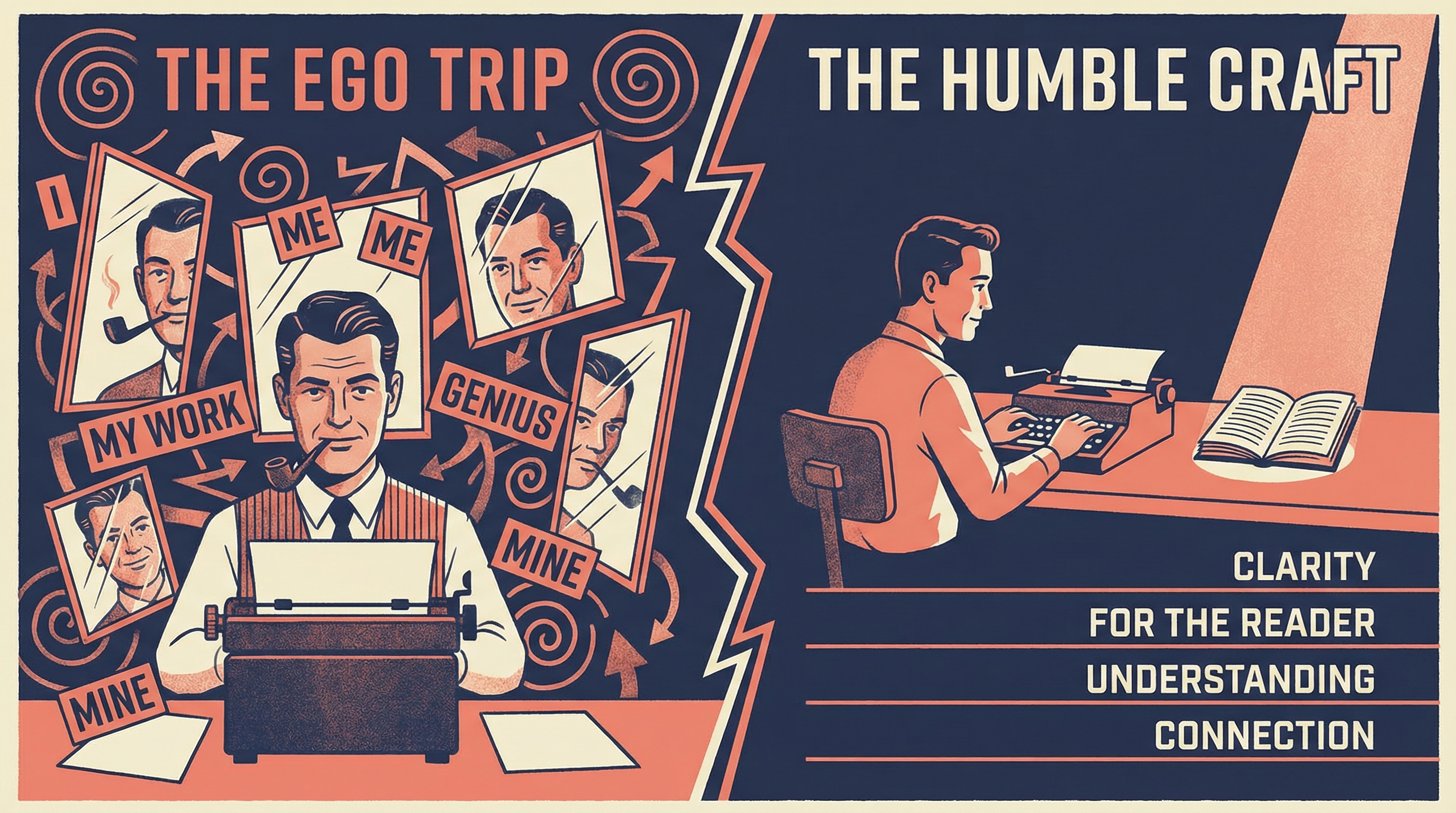
10The Ego Trip: Never Use "I"
The word "I" is anathema in technical writing. You are dealing with objective facts, not personal opinions. Technical documentation is not your diary.
❌ "I think this function should be called first."
❌ "I recommend using the async version."
✓ "This function should be called first."
✓ "The async version is recommended."
If you must include yourself, use "we" to forge a bond with the reader—"we will now explore..." Julius Caesar wrote his military accounts in third person. It worked for him.
11"This" Sentence Does Overdo It
Overusing demonstrative pronouns ("this," "that," "these," "those") creates ambiguity. When you write "this," the reader must hunt backward to find what "this" refers to.
❌ "This is important. This should be done first. This prevents errors."
✓ "Input validation is important. Validation should be done first. Early validation prevents errors."
Rule: If you can replace "this" with a specific noun, do it. Your readers will thank you.
12Time Is On Our Side: Tense Consistency
Pick a tense and stick with it. Switching between past, present, and future within a paragraph is disorienting. For procedures, use present tense. For changelogs, use past.
❌ "The function returns a value. It processed the input. It will validate the result."
✓ "The function returns a value. It processes the input. It validates the result."
Exception: When describing a sequence of events, past → present → future makes sense. But within a single concept explanation, stay in one tense.
Editor's Pet Peeves: Grammar & Logic
"Editor Returns 47-Page Document With Single Comment: 'No'"
Editor's Pet Peeves: Spelling & Terminology
Technical writing has specific conventions. Memorize these or face the wrath of every editor who has ever lived.
backward, toward, forward — No "s" on any of these
check box — Two words, not "checkbox"
back up (verb) vs backup (noun)
set up (verb) vs setup (noun)
log in (verb) vs login (noun/adj)
drop-down (adj) vs drop down (verb)
double-click, right-click — Always hyphenated as verbs
email — No hyphen, no capitalization
filename — One word
home page — Two words
inline — One word
Internet (uppercase) vs intranet (lowercase)
disc (CD/optical) vs disk (hard/floppy)
Web — Always uppercase when referring to WWW
URL — Uniform (not Universal) Resource Locator
HTML — Hypertext (lowercase "t") Markup Language
KB (kilobyte) vs Kb (kilobit)
MB (megabyte) vs Mb (megabit)
ms — millisecond (lowercase)
up-to-date — Always hyphenated
Pro tip: Create a style guide for your project and enforce it ruthlessly. Consistency matters more than which convention you choose.
Quick Check
Which sentence follows technical writing best practices?
Document Structure
"Documentation Has No Table of Contents; Readers Wander Aimlessly for Hours"
A well-structured document is like a well-organized codebase. You should be able to find what you need without reading everything. Here's how to structure your documents for maximum usability.
The Anatomy of a Technical Document
1. Title
Clear, descriptive, and specific. "API Documentation" is bad. "REST API Reference for User Authentication Service v2.0" is good.
2. Table of Contents
For any document over 3 pages. Readers should be able to jump to what they need.
3. Introduction/Overview
What is this document about? Who is it for? What will the reader learn? Set expectations upfront.
4. Prerequisites
What does the reader need to know before reading? What software/tools are required? Don't make them discover this halfway through.
5. Main Content (Sections)
Organized logically, building from simple to complex. Each section should be self-contained enough to be useful on its own.
6. Examples
Real, working examples. Not pseudo-code. Not "exercise left to reader." Copy-paste-able code that actually works.
7. Troubleshooting/FAQ
Common problems and solutions. This section will save you from answering the same questions repeatedly.
8. References/Further Reading
Links to related documentation, specifications, or resources for readers who want to go deeper.
Quick Check
What should come BEFORE the main content in a technical document?
Recommended Reading
"Developer Reads Entire Style Guide; Coworkers Suspect Alien Abduction"
No guide can cover everything. Here are the essential texts that will transform you from a documentation dabbler into a technical writing virtuoso.
The Essential Shelf
Strunk & White: "The Elements of Style"
The Bible of concise writing. At under 100 pages, it has no excuse not to be read. Rule #17: "Omit needless words." This book practices what it preaches.
"The Chicago Manual of Style"
The comprehensive reference for American English style. When you need to know whether to use an Oxford comma (yes) or how to cite a tweet (unfortunately, yes).
Fowler: "The King's English"
For those who want to understand the "why" behind English conventions. Dated but delightful. The linguistic equivalent of a well-aged whisky.
Stephen King: "On Writing"
Not technical writing per se, but brilliant insights on clarity and craft. Plus, it's actually enjoyable to read—a rare quality in writing guides.
Exemplary Technical Writing
Learn by reading the masters. These texts demonstrate that technical content can be both precise and engaging.
Donald Knuth: "The TeXbook"
One of the finest software manuals ever written. Even arcane typesetting concepts become accessible through Knuth's masterful explanations.
Douglas Hofstadter: "Gödel, Escher, Bach"
Proves that complex topics (AI, recursion, formal systems) can be explained with wit and creativity. A Pulitzer Prize winner that's actually readable.
Robert Pirsig: "Zen and the Art of Motorcycle Maintenance"
Technical writing meets philosophy. Shows how to explain mechanical concepts while exploring deeper questions about quality and craftsmanship.
The VAX Manuals ("The Orange Wall")
Legendary in the industry. Proof that comprehensive documentation can be both thorough and usable. The gold standard against which all manuals are measured.
Quick Check
According to Strunk & White's famous rule, what should you do with needless words?
Course Summary
- Three Pillars: Legibility, Readability, and Comprehensibility—master all three.
- Sentence Length: Aim for 10-15 words, never exceed 20. Vary your rhythm.
- Four-Step Explanation: Definition → Theorem → Proof → Conclusion.
- Simple Words: "Use" not "utilize." Clarity beats sophistication.
- Structure Matters: Title, TOC, Intro, Prerequisites, Content, Examples, FAQ, References.
- Repeat Yourself: The human mind needs reinforcement. Summarize key points.
Download Cheat Sheet
Three pillars, sentence guidelines, word choice, and document structure